Connectors follow the idea
Bind connectors to shapes and flowchart nodes so relationships update while connected elements move.
Visual diagramming
Create flowcharts and visual diagrams with shapes, smart connectors, tables, notes, alignment, and spacing tools on an infinite canvas.
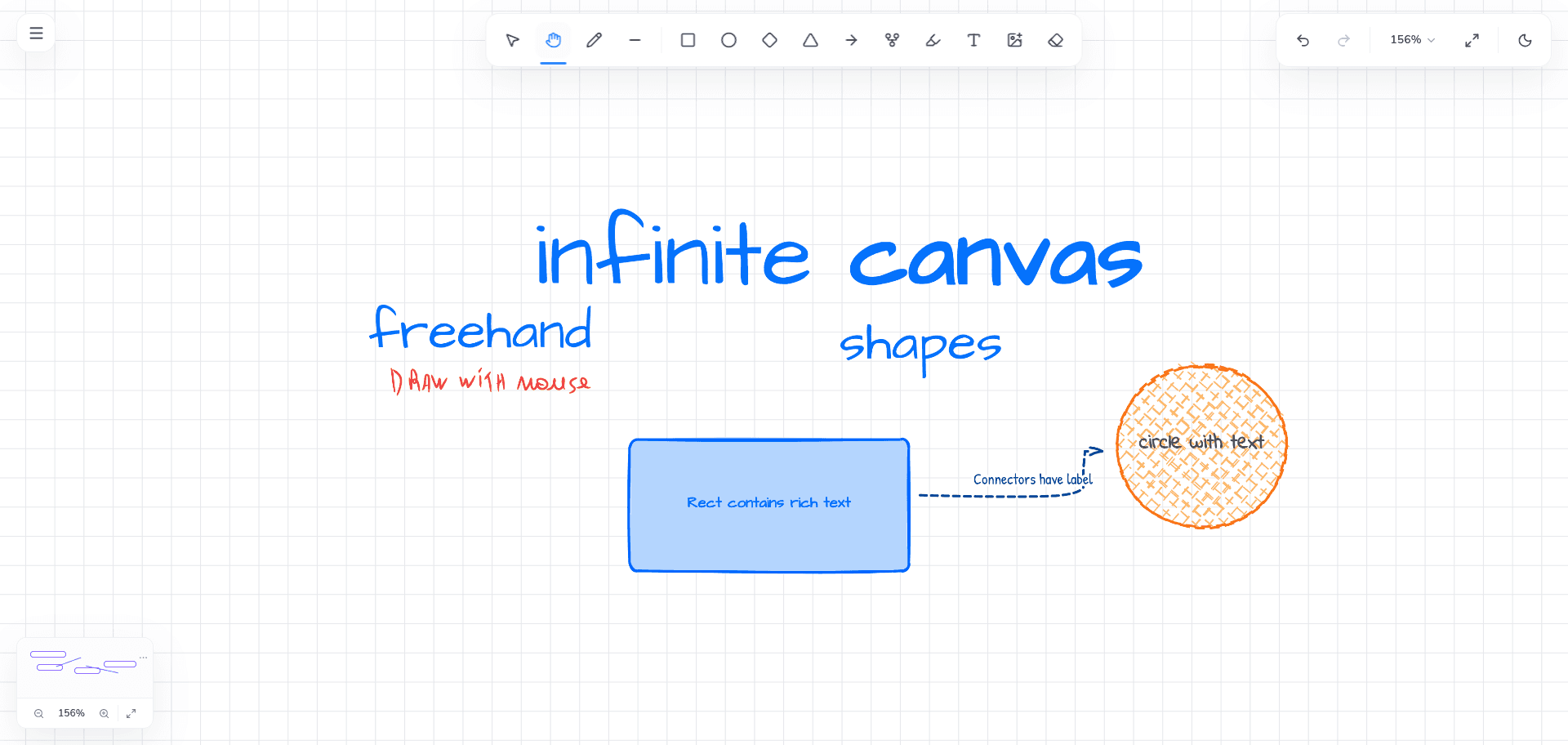
Bind connectors to shapes and flowchart nodes so relationships update while connected elements move.
Combine generic shapes, flowchart variants, text, notes, tables, and freehand explanation in one diagram.
Use alignment, distribution, and smart spacing guides to turn an exploratory sketch into a readable system.
HOW IT FITS YOUR WORK
Many diagram tools ask you to decide the final structure before the idea is understood. Vertexa keeps diagramming inside the whiteboard, where rough notes, freehand marks, source material, and structured nodes can coexist.
Start with a rectangle and an arrow, add labeled connectors as relationships become clear, then introduce flowchart symbols, notes, tables, or frames only when they make the explanation more useful.
Connectors can bind to supported elements and derive their route from semantic endpoints. Move a node and its connected line follows in real time, preserving the relationship instead of leaving a stale line behind.
Arrow and connector behavior lives in one tool with selectable visual styles. This keeps the interaction consistent while allowing direct arrows, orthogonal connectors, and labeled relationships to express different kinds of diagrams.
Some systems are easier to understand when spatial relationships and structured data appear together. Vertexa tables support configurable rows, columns, text alignment, cell colors, borders, and a visible title that also acts as a movement handle.
Smart alignment and spacing help clean up multi-element layouts without forcing the entire board into a grid. Group related elements when they should transform together, or place them inside an area frame to establish a clear visual region.
COMMON QUESTIONS
Yes. Bound connectors follow supported shapes and flowchart nodes during movement rather than updating only after the change is committed.
Yes. The shape library includes common flowchart and generic variants alongside standard rectangles, circles, diamonds, triangles, stars, and other visual elements.
Yes. Vertexa includes alignment, distribution, and smart spacing behavior for arranging selected elements predictably.