Open and draw immediately
The canvas is ready before an account, workspace, or onboarding flow gets between you and the first mark.
Free infinite whiteboard
Open a free infinite whiteboard with no sign-up. Draw, write, organize notes, build tables, and connect ideas on a fast local-first canvas.
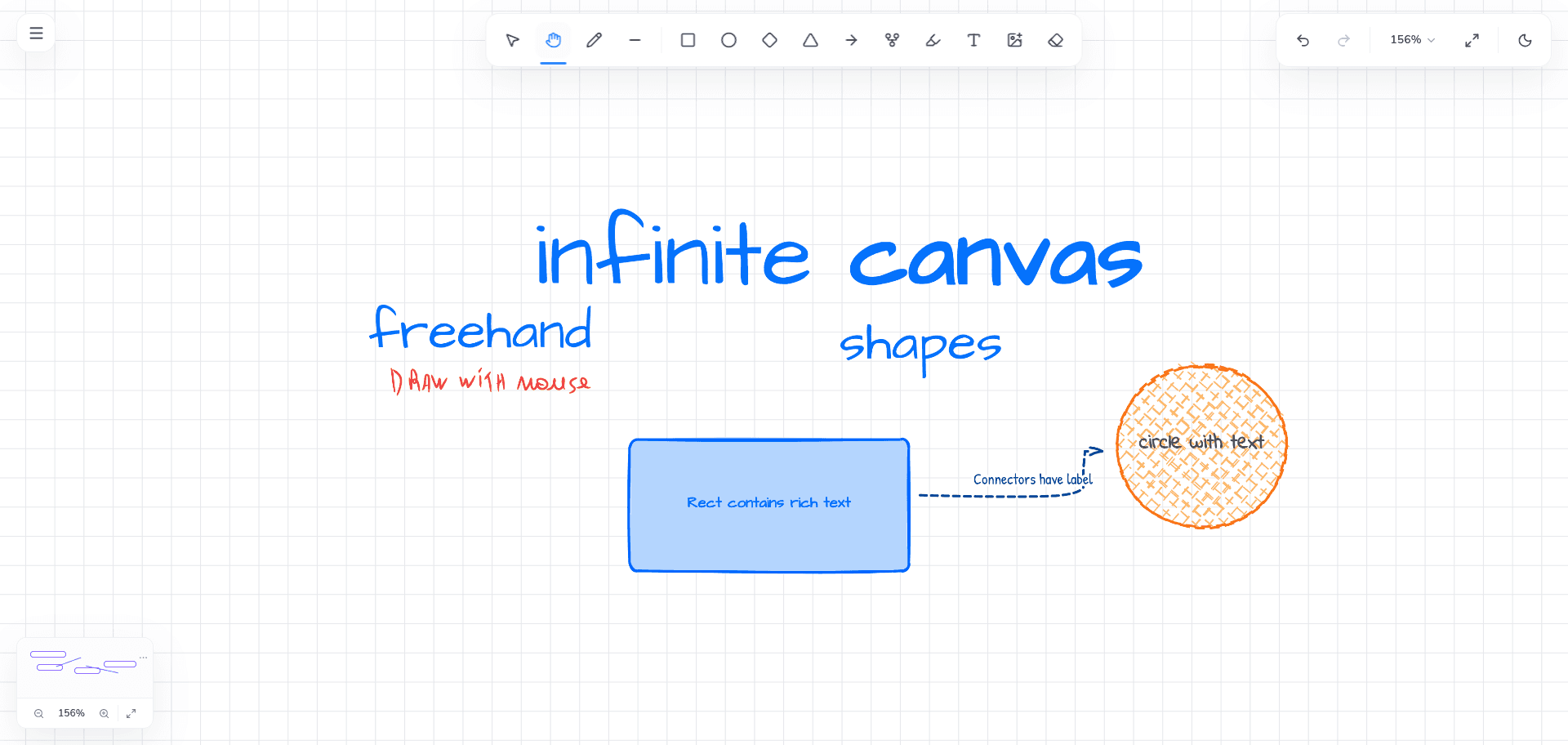
The canvas is ready before an account, workspace, or onboarding flow gets between you and the first mark.
Use freehand strokes, text, shapes, notes, tables, frames, flowchart nodes, and images in the same spatial workspace.
The free board is stored in this browser, with editable backup and restore tools for moving or protecting important work.
HOW IT FITS YOUR WORK
Vertexa opens directly into a usable board. You do not need to create an account, name a workspace, invite a team, or choose a template before drawing. That makes it useful for quick thinking as well as longer sessions.
The canvas supports mouse, trackpad, keyboard, pen, and touch workflows. Pan and zoom across an open workspace, select and transform several elements together, and use alignment or spacing guides when a rough idea starts becoming a structured artifact.
A visual idea rarely stays in one format. Vertexa combines uniform freehand strokes with rich text, sticky notes, configurable tables, generic shapes, flowchart nodes, arrows, and connectors. You can move from a handwritten thought to an organized diagram without changing tools or exporting work to another app.
Frames organize areas of the whiteboard while groups let related elements move and resize together. Undo and redo preserve complete interactions, so rearranging a complex section remains predictable.
Vertexa uses a tile-based rendering engine so static content can be reused while visible or actively manipulated content receives immediate attention. This architecture is intended to keep interaction cost tied to what is on screen rather than forcing every element on a large board through the same work each frame.
The result is a canvas designed for sustained visual work: drawing, zooming, moving, resizing, and navigating should remain direct as your board becomes more detailed.
COMMON QUESTIONS
Yes. The current local-first whiteboard is free and opens without an account. Future Vertexa Plus cloud features are separate.
The free board is saved in browser storage on this device. Vertexa also provides an editable board backup so you can keep an independent copy.
Vertexa supports touch-sized controls and browser input, although a larger screen provides more room for complex visual work.